
Enhanced course customisation, flexible custom pages and greater control over user management
Avallain Magnet Release 43 introduces expanded options for configuring and customising courses and creating custom content across Magnet, alongside more flexible file formats for student creation and greater institutional control over Teachers’ access to Groups and Users.
Enhanced Course Configuration
Gain deeper control over courses in Magnet with expanded course configuration options that allow for greater customisation of the course experience for Teachers and Students.
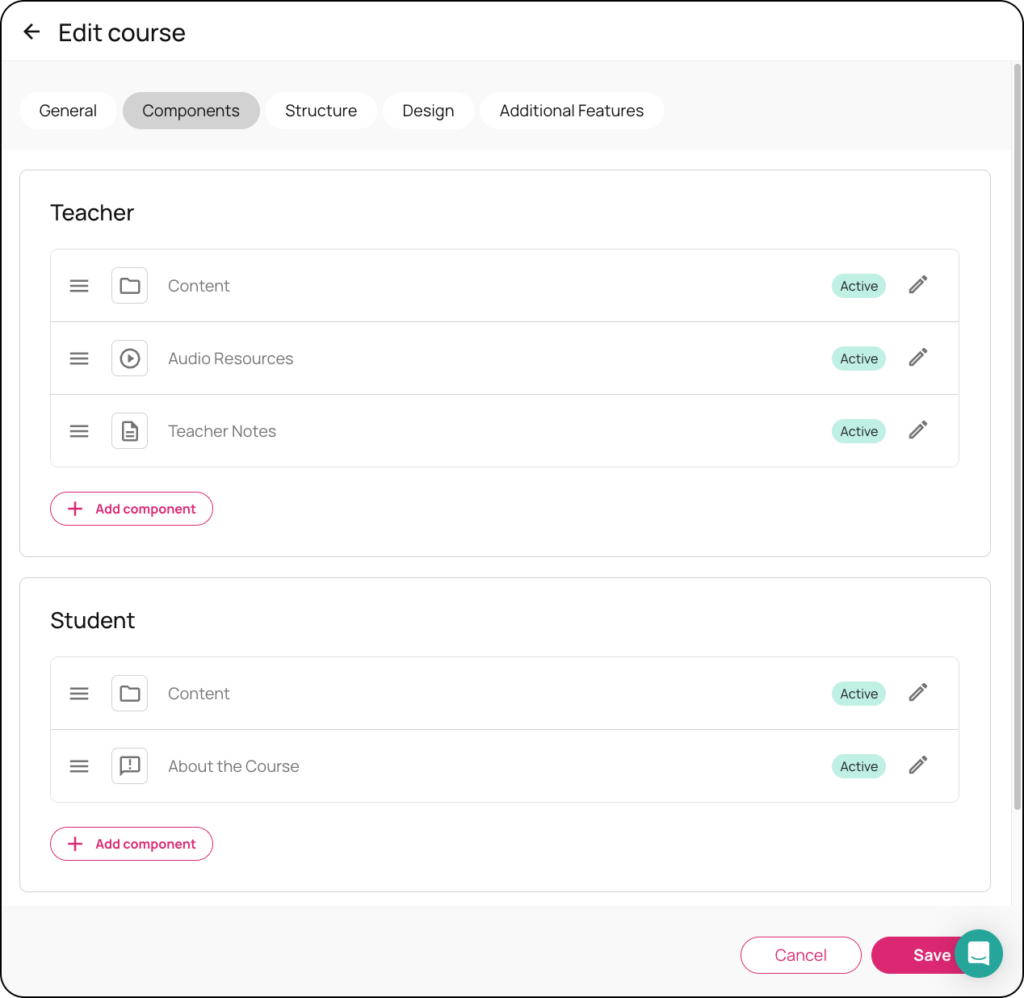
Course components can now be configured separately for Teachers and Students, with the ability to add, edit, delete and reorder components. Components can also include configurable search and filter options based on metadata such as content type, skills and language.
A new Structure tab provides a view of course folders and content, with quick access to edit the corresponding structure in Avallain Author for customers with Magnet-Author access. Adaptive course rules can also be viewed and configured at folder level.
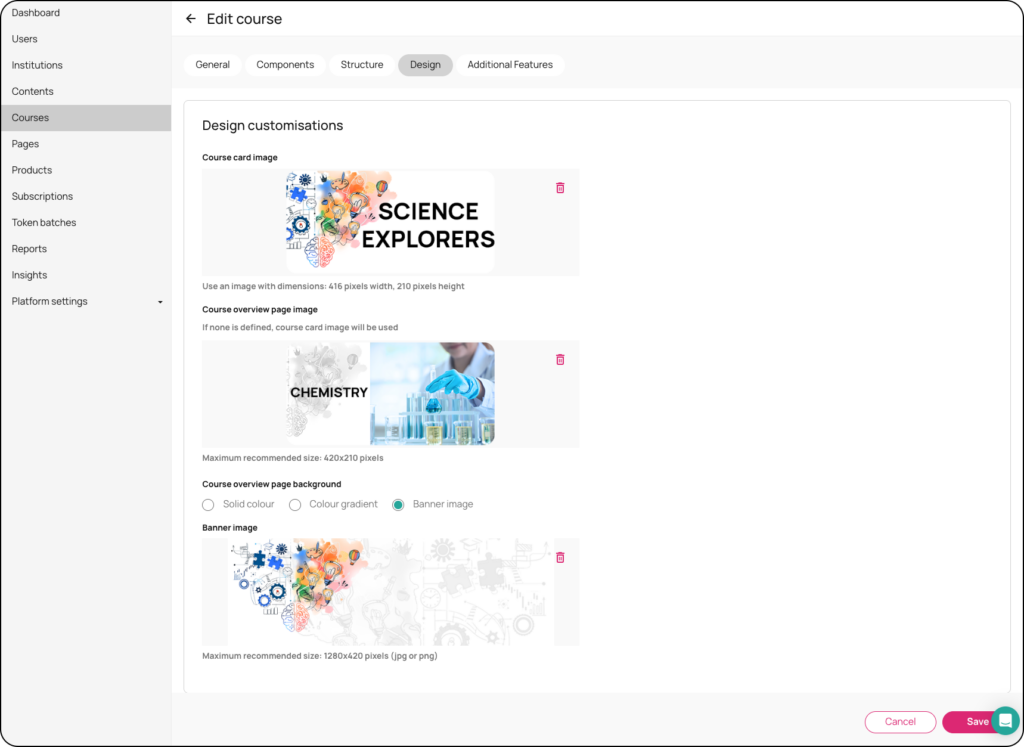
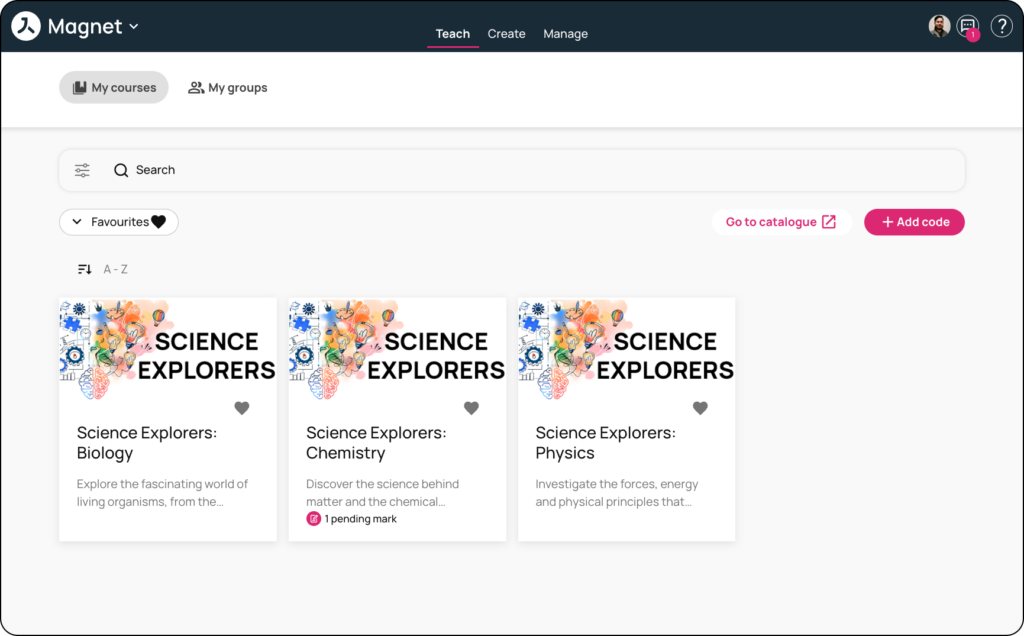
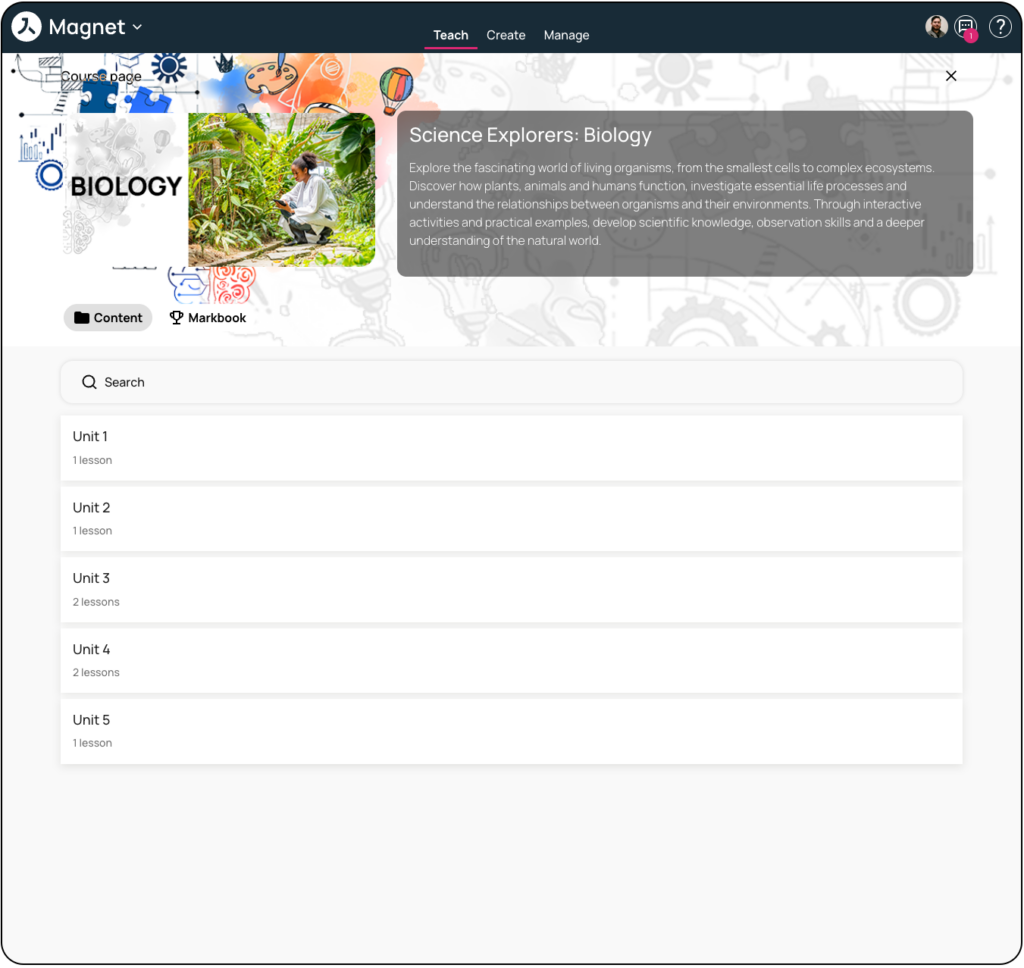
New design options provide additional control over course images and backgrounds, while the Additional Features area brings together settings for course interface and functionality, including progress bars, course type labels, self-study gradebooks and other course-level options.
These capabilities are also supported in Magnet Kids.
Custom Pages
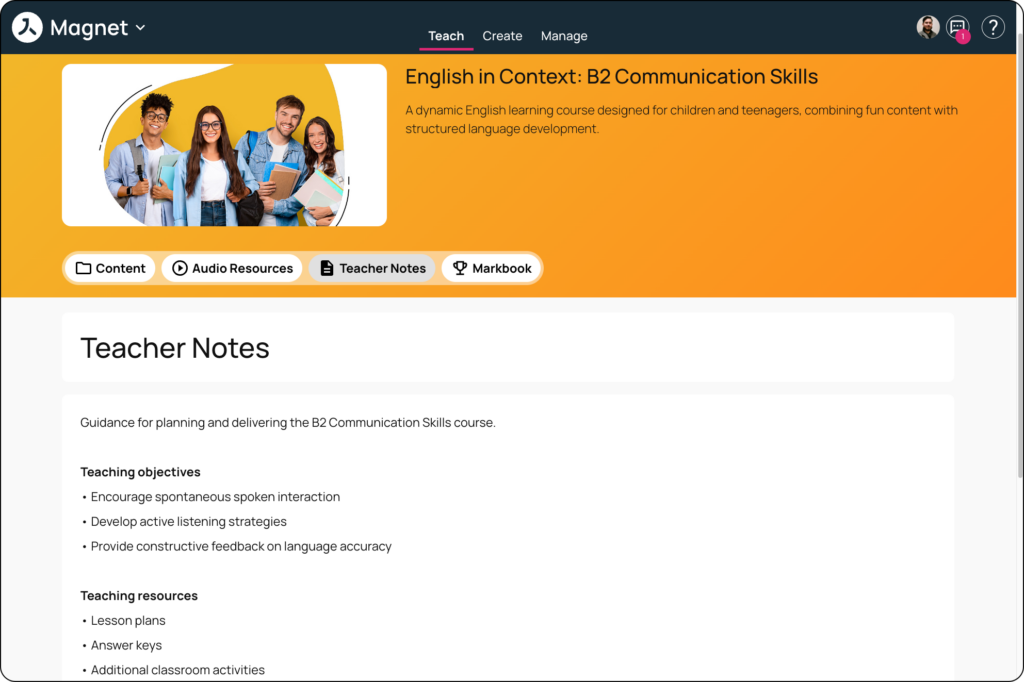
Create custom HTML content for key areas of Magnet, giving publishers greater flexibility to add marketing, informational, video and role-specific material to existing Magnet experiences.
A new Pages area in Magnet Administration allows editors to create and manage HTML content using predefined blocks and HTML editing tools. Content can include rich text, links, images, media, buttons, calls to action, carousels and other custom elements.
Custom content can be displayed at the top of the main Teacher and Student dashboards, with different content configured for each role. Custom HTML pages can also be added as course components, allowing publishers to create additional course tabs and control their position within the course experience.
Custom Pages are responsive across supported devices and are also supported in Magnet Kids.

More file formats for student creation
Teacher Admins can now upload user import files in Excel (.xlsx, .xls) and OpenDocument (.ods) formats, in addition to CSV.
A new Download template dropdown provides templates in both Excel (.xlsx) and CSV formats, making it easier to select and work with the preferred file type.
Spreadsheet files are automatically converted and processed through the existing import process, with no changes to the current validation rules or import behaviour. This helps reduce import failures caused by regional formatting differences and file-type confusion.
Greater control over Groups and Users access for Teachers
Institutions now have greater control over the administrative areas available to Teachers through new settings for Groups and Users access.
New Teachers can access Groups and Teachers can access Users settings allow institutions to hide the corresponding management areas when they are not required for their workflows.
Disabling Groups access removes the relevant functionality across Teach, Dashboard, Manage and Message Centre, while disabling Users access hides the corresponding user management interface. When access to both Groups and Users is disabled, the entire Manage tab is removed for Teachers.
Both settings are enabled by default, ensuring that existing Teacher workflows remain unchanged unless an institution chooses to update its configuration. These settings do not affect the existing access available to Students or higher-level Admins.
Watch the webinar recording
Learn more about this release’s new features by watching the recording of the webinar held by our in-house experts.