Author Release 30

Greater control, efficiency and flexibility for content creation.

With Avallain Author Release 30, we focus our attention on enhancing the user experience for content creators, administrators, teachers and trainers so they can, in turn, create the best interactive content for learners. test

Creating comprehensive eBooks straight from PDF files? Check! More information in Project Reports? Check! More intuitive experience for the Media Library and user management functions? Check! With our latest update, creating learning materials with Avallain Author becomes even more streamlined and more intuitive in many different ways.

New eBook feature

Create eBooks from PDF files

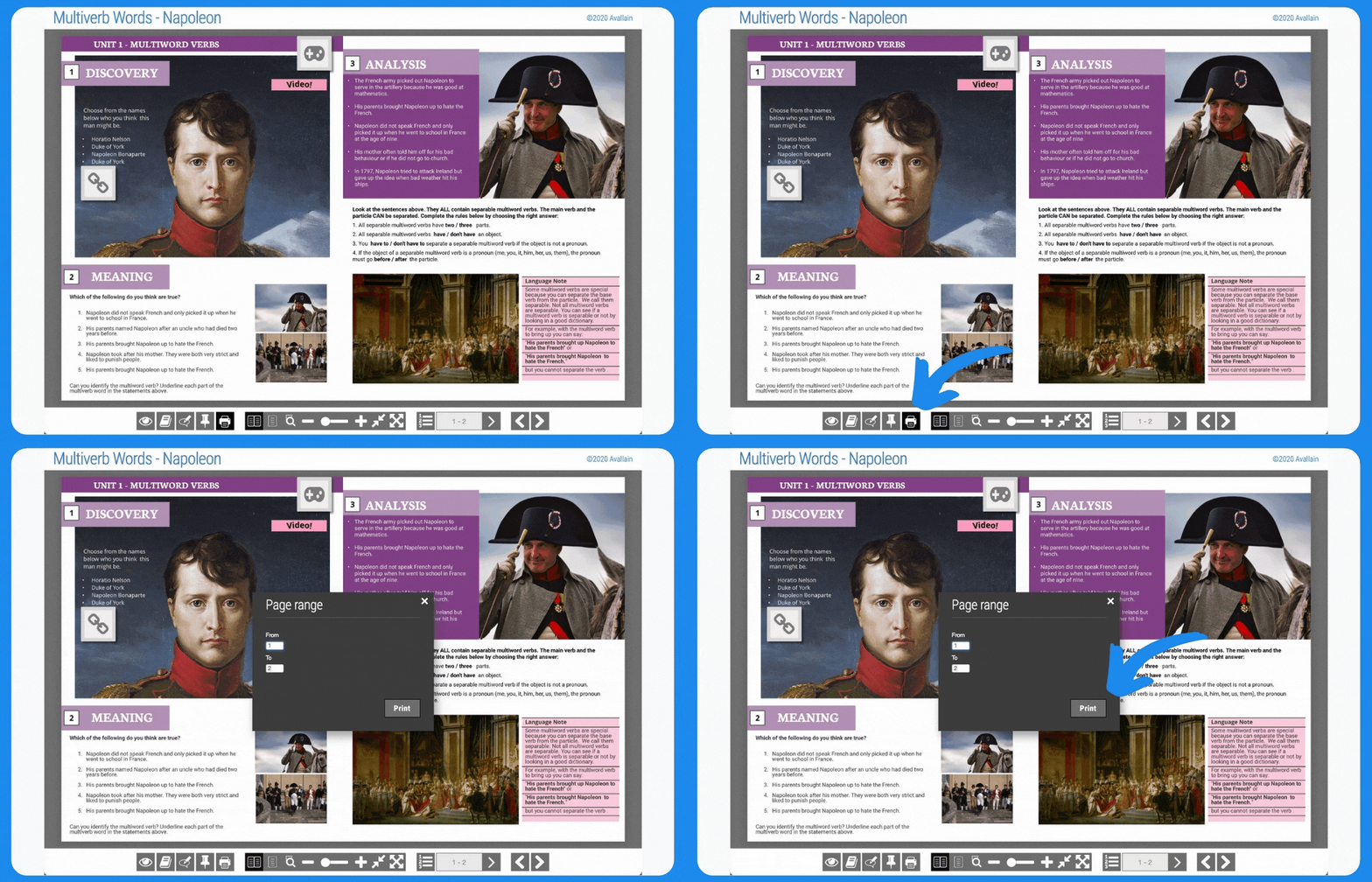
One of the most frequently requested features for Avallain Author is the ability to import PDF files into the program and convert them directly into eBooks. With Avallain Author Release 30, this has become a reality. When creating eBooks, content creators now get to choose between three distinct methods:

  • Creating an eBook out of image files 
  • Converting a PDF file into an eBook 
  • Compiling multiple PDF files into a single eBook  

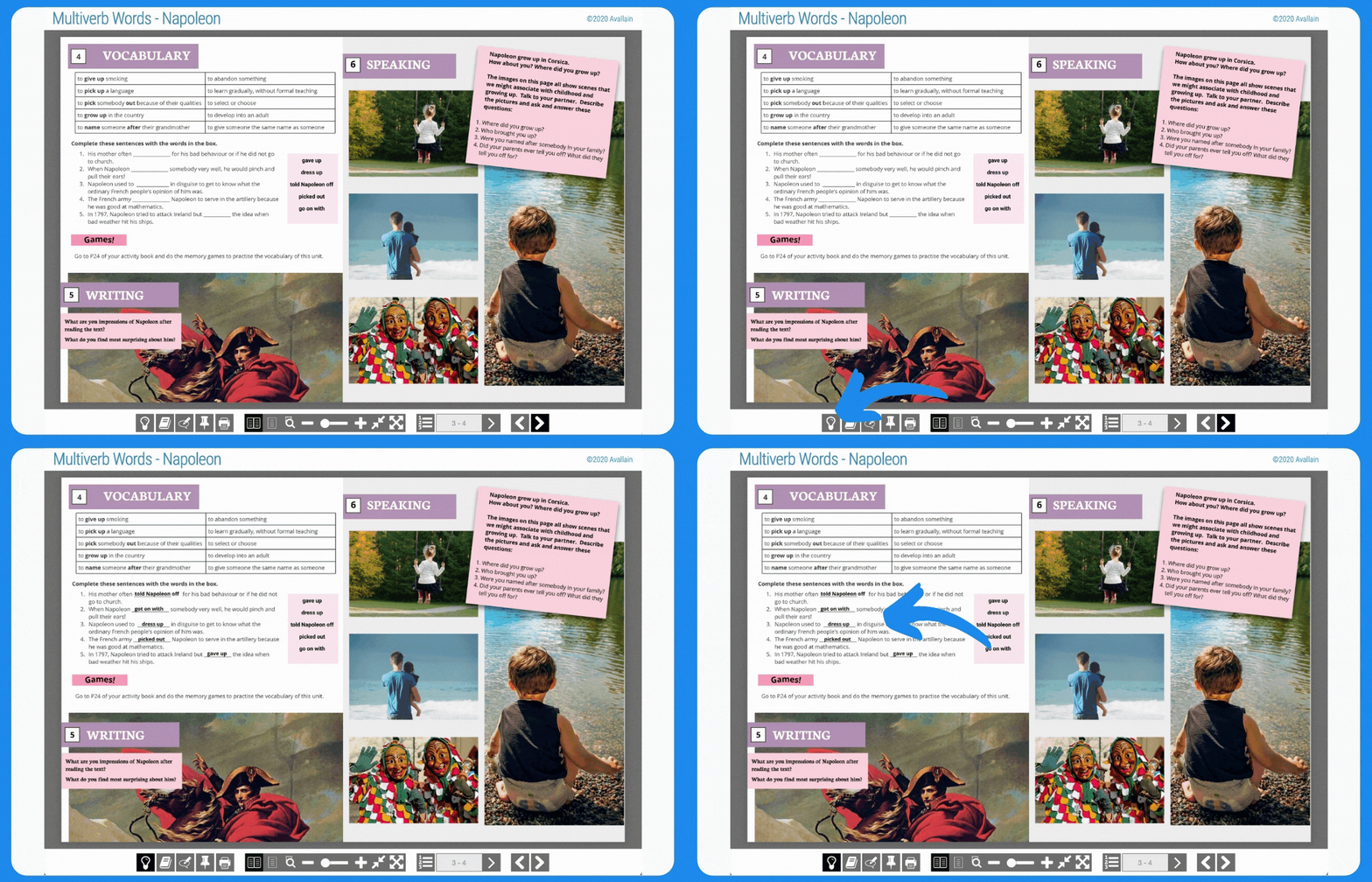
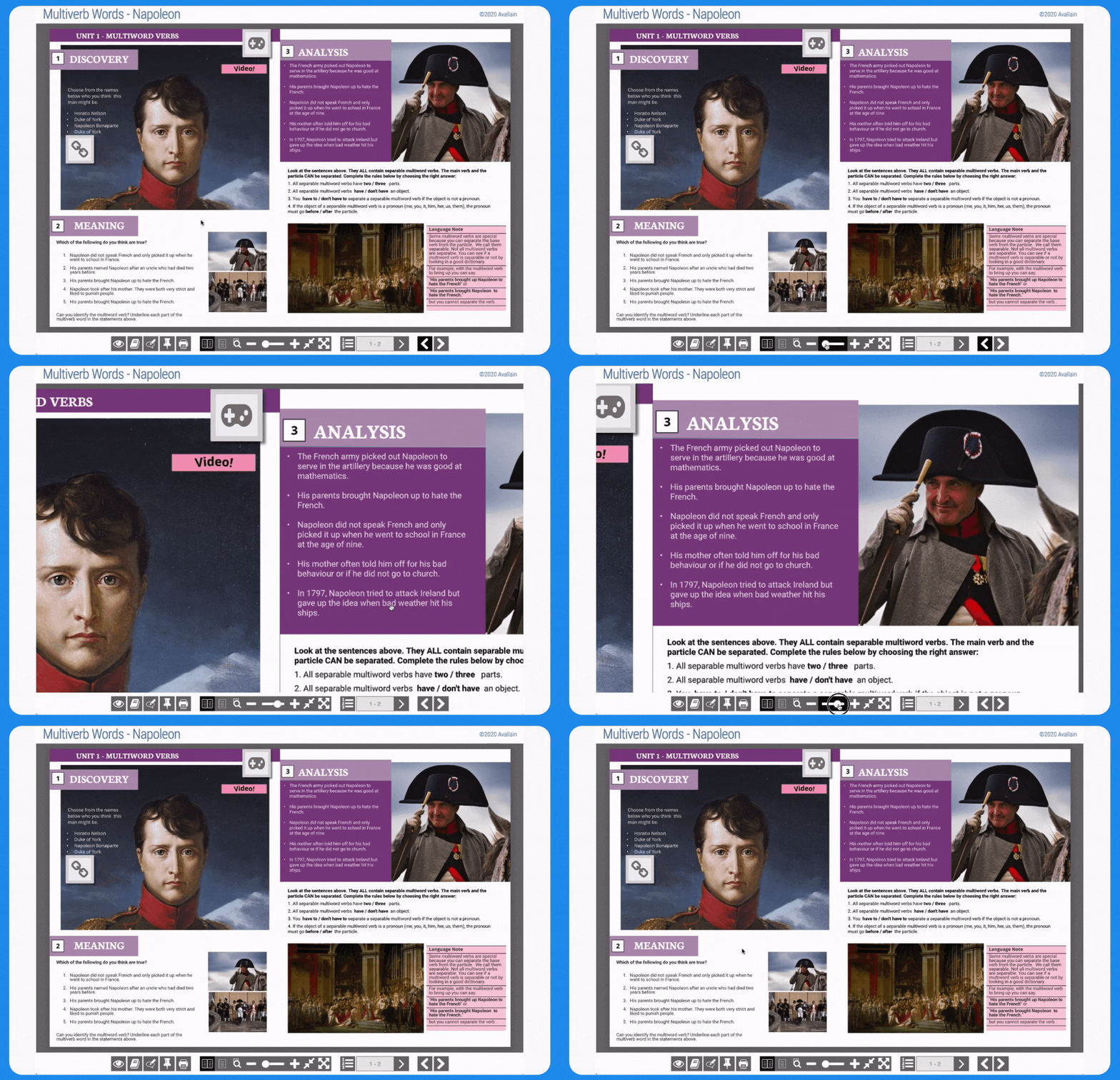
Compared to the image-based eBook creation method, using PDF files as a basis has one significant advantage: Since PDF files can store text elements independently from image files, the resulting eBook also treats both as distinct elements. This means that teachers, trainers and learners can select, copy and paste the text from the eBook just like they would with a PDF file. In addition, the text scales much better when zooming in.

Most importantly, creating eBooks from PDF files is a great way of making learning materials more accessible to learners with visual impairments. Since text elements are stored separately from image information, standard screen reader programs can easily detect the text and read it aloud.

Backend enhancement

Getting a better overview of the Media Library

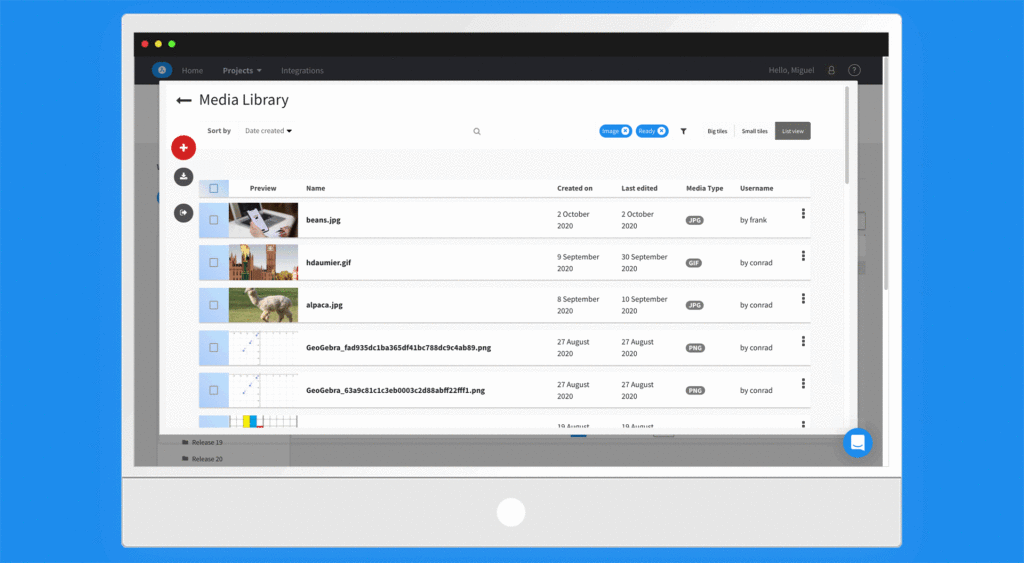
The Avallain Author Media Library can store a wide range of media, allowing content creators to quickly find whatever images, videos or audio files they need. However, once the number of media assets stored in the Media Library becomes large enough, going through search results might still take some time. 

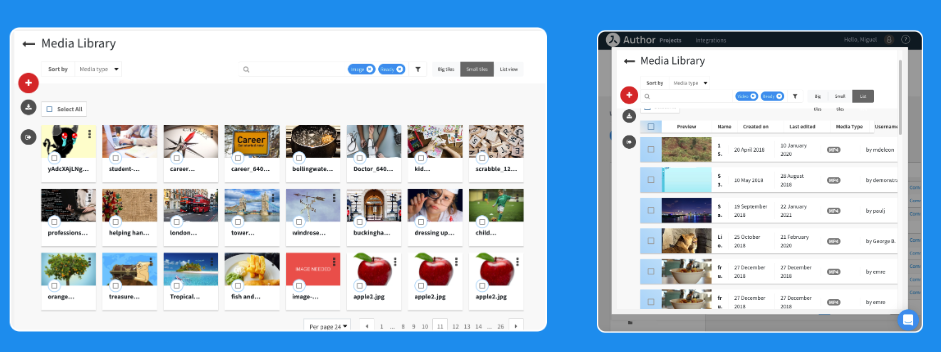
This is why Avallain Author Release 30 introduces the option of displaying pieces of media as large tiles, small tiles or as a list. Together with the new functionality which automatically adapts the number of media elements shown per row to the width of the screen, this makes it much easier to find the asset you’re looking for.

We have also added additional filters to the Media Library search function. Available filters now include “Embedded media type” and “Thumbnail media type”. And to make it easier to not only find media but also import it directly into your Learning Objects (LOs), we have added the functions “Copy Reference ID” and “Copy URL” to the dot actions menu for easy access. And when bulk uploading media assets to LOs, content creators can now de-select individual assets from the list.

New backend function for Administrators

Assign Activity Type Options

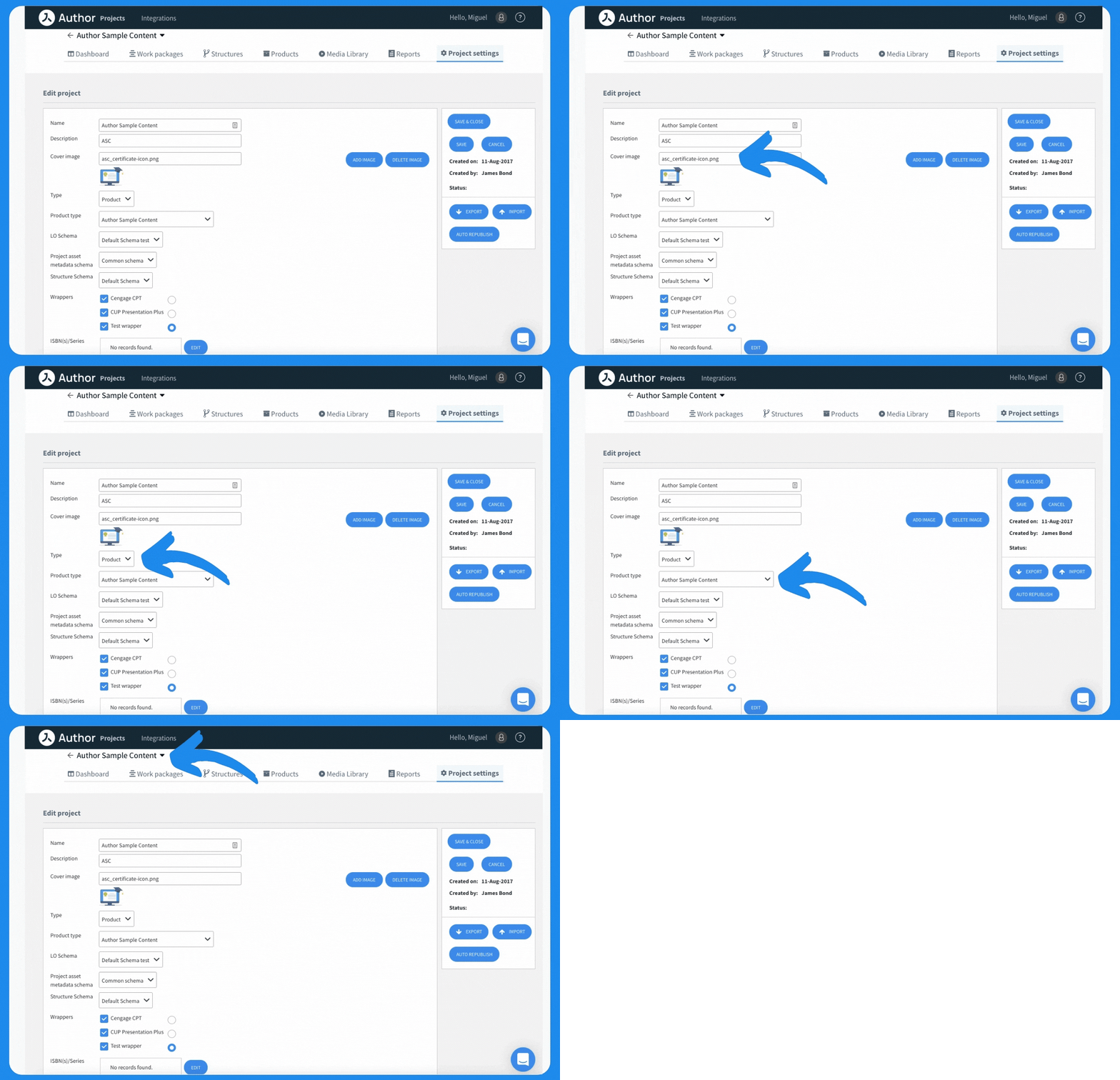
With Avallain Author version 30, Admins now have the ability to decide which Activity Type Options Project Managers can use on each Master Activity Type. This increases the control Admins have over the Master Activity Types and prevents Project Managers from accidentally using Activity Type Options which are to be avoided for the specific Project.

This change brings this particular aspect of the backend in line with how other interactions between Admins and Project Managers work in Avallain Author. Thus, it also makes working within the backend more intuitive for everyone involved.

Re-designed user management

The User Profile window has been re-designed according to user feedback. It now provides a smoother and more intuitive user experience, including a new option to change passwords directly from the same window.

This makes changing your password much more convenient, which should also lead to increased overall security, as changing your security information on a regular basis takes much less time and effort now.

More efficient comments feature

The comments function in Avallain Author now enables users to edit and delete existing comments using the dot menu on the left side of the respective comment. This allows them to clarify their comments or delete them once an issue has been resolved, improving in-team communication and speeding up problem-solving and feedback processes.

Additional information in Reports

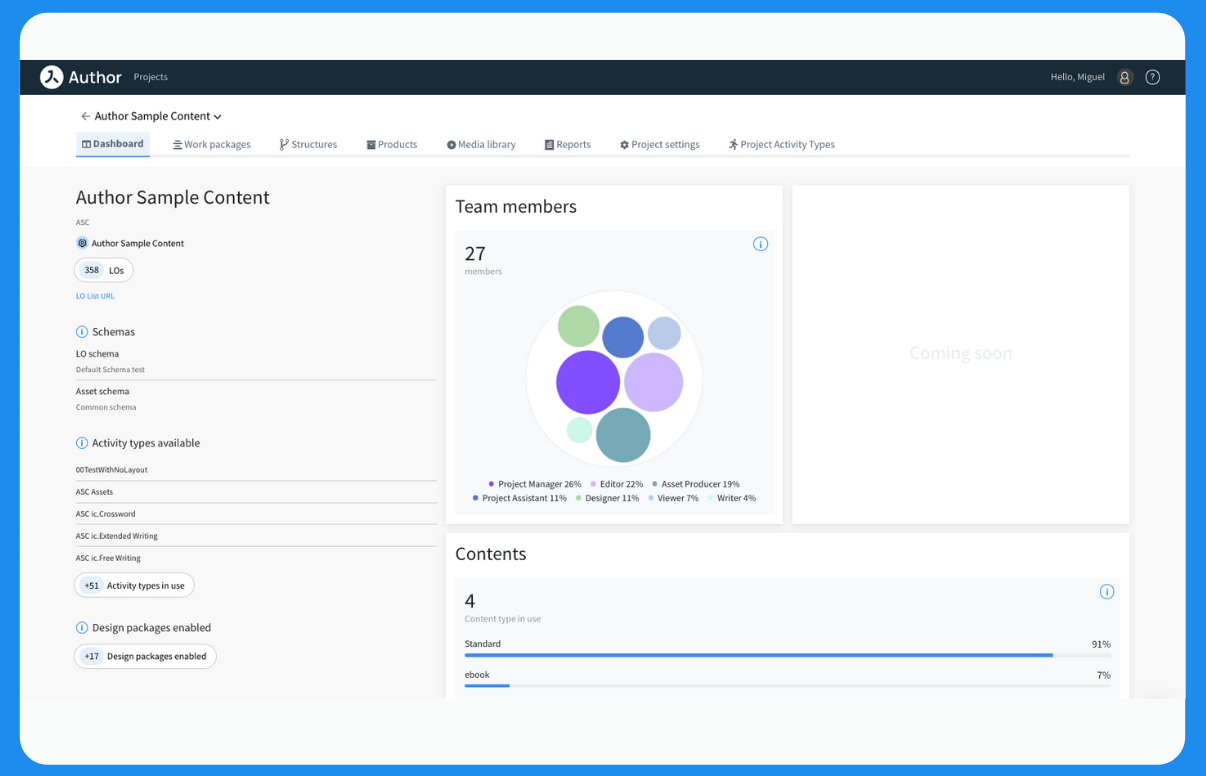
The Project Report and Full Project Report functions have been upgraded to feature additional information which gives users on the content creation side more information than ever:

  • Project Reports can now include the Work Package name, screen number and Activity title 
  • Full Project Reports can now include Work Package name, screen number, Activity title, LO options, Global options, Specific options, LO Comments and Activity Comments

Note: This information is displayed in separate columns for a clear overview. Full Project Report lists will only include Global options, Specific options and LO options if they deviate from the default options.

New function: Copy Product types

With Avallain Author Release 30, it is possible to copy product types more efficiently and quickly. Simply copy them directly on the Products types screen, as you would copy projects.

New feature: Copy-and-paste plain text only

Rich text is a text format which includes formatting information such as tags which identify bold or italicised text elements. When copying rich text, these formatting tags are also copied, often without the user realising it, and they might interfere with the proper functionality of Avallain Author Learning Objects.

Thus, we have changed the copy-and-paste functionality of Avallain Author to automatically convert rich text into plain text. This means you will need to re-apply formatting information when copying text into Avallain Author – but it also allows you to completely avoid any functionality problems which would otherwise be caused by accidentally copying incompatible tags into your Learning Objects.

New syntax tags allow content creators to chain together free writing exercises

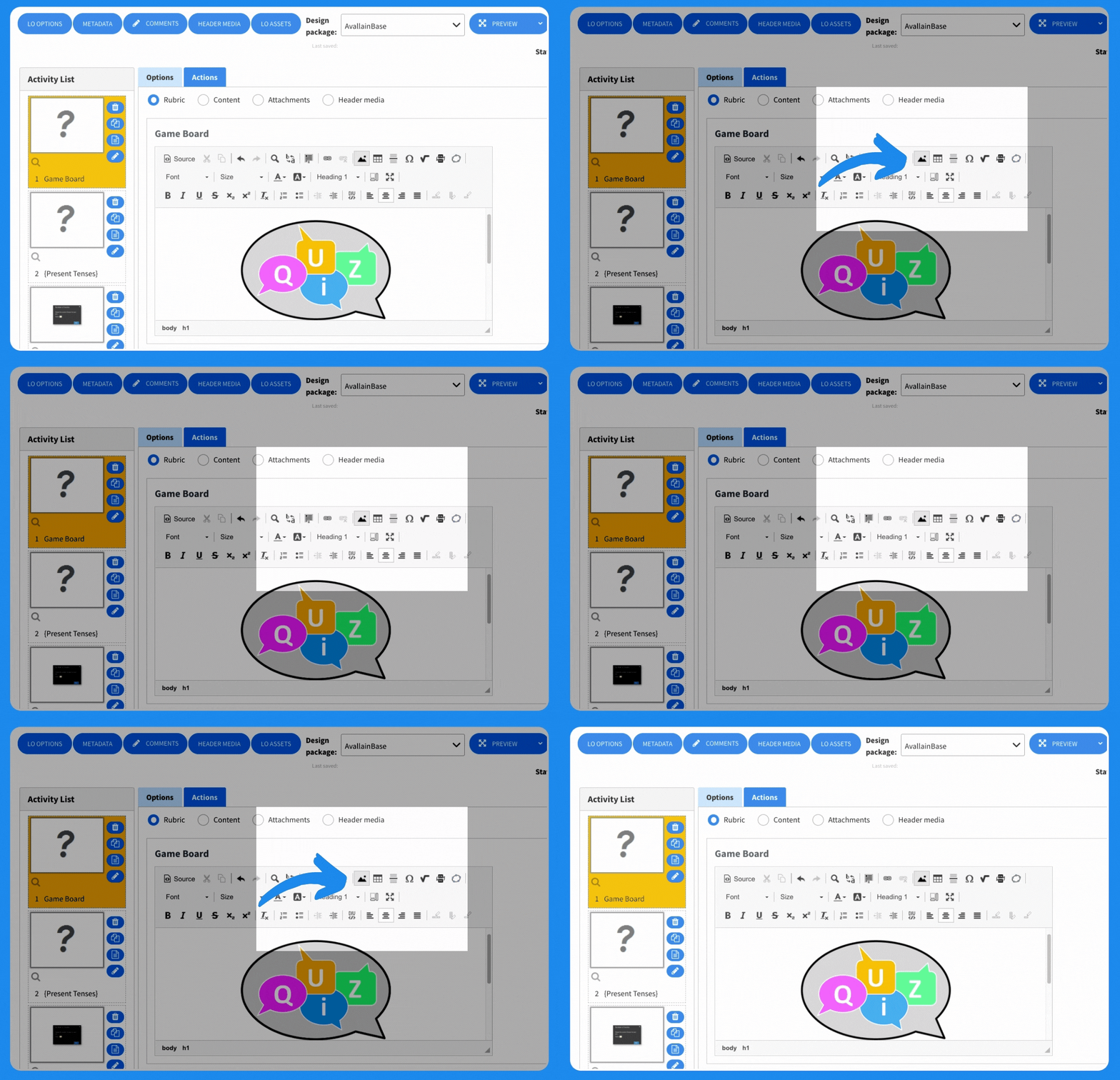
The syntax tags #textinput# and #richtextinput# now allow content creators to define their initial content by using #showtext#.

In effect, this allows content creators to chain together free writing exercises based on the initial text written by the learner. This makes it possible to have exercises where, for example, learners first write a text and then add new information to modify the text in the following exercises.

Dialogue Recording Avatars: Syntax simplification

In Dialogue Recording Activities, content creators can have the LO show an Avatar for specific persons interacting with the learner. For example, a learner may be asked to have a conversation with a fictional counterpart represented by a picture of the fictional Avatar. Previously, this was handled by including a picture of the Avatar within the syntax of the Learning Object.

With Avallain Author Release 30, this process is now much easier. Simply associate a specific character with an image as well as a Substyle in the Design Pack and the Learning Object can be set to automatically display that image whenever the Substyle is used. Thus, individual parts of a text can easily be assigned to different characters without the need to implement a new picture into the syntax every time.

Simple recording features support for apps

The integrated Product Builder can now create apps which support the Recording Audio and Playback Recorded Audio features of Avallain Author.

LOs that use such features are now fully compatible with any app created with the Product Builder, potentially increasing the target audience for your learning materials.

AvallainBase now fully translated into German

With Avallain Author Release 30, AvallainBase and all associated Design Packs are now available in German. Simply go to the Language Attributes setting and choose “DE” from the available options to turn all elements, including the UI, into a German-language user experience.

Continuously improving your user experience – with Avallain Author release 30

The latest version of Avallain Author concentrates on creating a streamlined content creation process. But, as Max Bondi, Product Manager Avallain Author, points out: “In the end, making the content creation process more intuitive is not just beneficial to content creators, Admins and Project Managers; it also increases the quality of the learning materials which are created.”

The rollout of Avallain Author Release 30 has already begun. Feel free to share your experience with us, so we can improve the software even further with Avallain Author Release 31, due to be launched in three months.

Watch the webinar recording

Learn more about this release’s new features by watching the recording of the webinar held by our in-house experts.


Image not found

Author Release 29

Improved to explore beyond

A brand-new visual experience and plenty of new features to create new kinds of interactive content, to display LO scores more precisely, and to manage multimedia resources more intuitively.

Backend Enhancements

Brand-new user interface design

An even clearer and more intuitive user interface that retains all previous functionalities. This makes your authoring experience easier, more efficient and enjoyable without requiring you to rethink the way you use Avallain Author.

1: The main menu has been redesigned and optimised to perform global actions like switching between projects, and managing profile access and sessions, seamlessly and intuitively

2: The Project toolbar has been separated from the header with all project editing functions, including the role switch, made available under the project name

New Media Library design

Avallain Author Release 29 provides you with an all-new design for the popular Media Library, creating an even more fluent user experience. The design will be further enhanced in upcoming releases.

Watch the video tutorial and get familiar with the New Media library:

Optimised Product Builder

The Product Builder has been updated and enhanced to provide more stability and even better performance when handling complex builds and content packages. In addition, we have added new Build Platforms for iOS and Android to ensure full compatibility with mobile environments.

Projects and assets management

Optimised Learning Object (LO) Import

When moving content between different Author installations (e.g. when exporting from stage to production), you are now provided with a report before importing the LO detailing differences between the target project and LO configuration.

Furthermore, LO Import now works around missing options and replaces indispensable missing properties such as Layouts and Design Packs with the closest available alternatives so that a fluent importing process can be ensured.

Enhanced Header Media

Avallain Author has always supported Header Audios. Now it adds Header Videos to the mix! The Option label, Header Audio, no longer say it all, and so has been renamed Header Media.

Header Media can be configured to display either an audio or a video in the header of an LO. It will play smoothly and without interruption when switching between Activities in the LO, offering new ways to create exciting lessons that keep your learners engaged.

HLS video support

Avallain Author now fully supports HLS video. This means the video player automatically (or manually) adapts to unreliable network conditions without causing user-visible playback stalling. This makes your content even more accessible on different devices and in challenging environments.

Please note: This new feature requires Design Pack support and changes to the video conversion setting in Author. Please get in touch with your contact at Avallain.

Improved design pack support

Learning Objects design customisation: The latest release extends Avallain Author design packs’ ability to customise the look and feel of your LOs with additional options such as templating support for end-result syntax, buttons markup and placement, and item state decorations. 

Multi-language support for Design Packs: With Avallain Author Release 29, users can now display interface elements in multiple languages, set a default language, and enable a specific language to be selected on launch of the Learning Object.

New authoring options and Syntax

New Reveal Object functionality

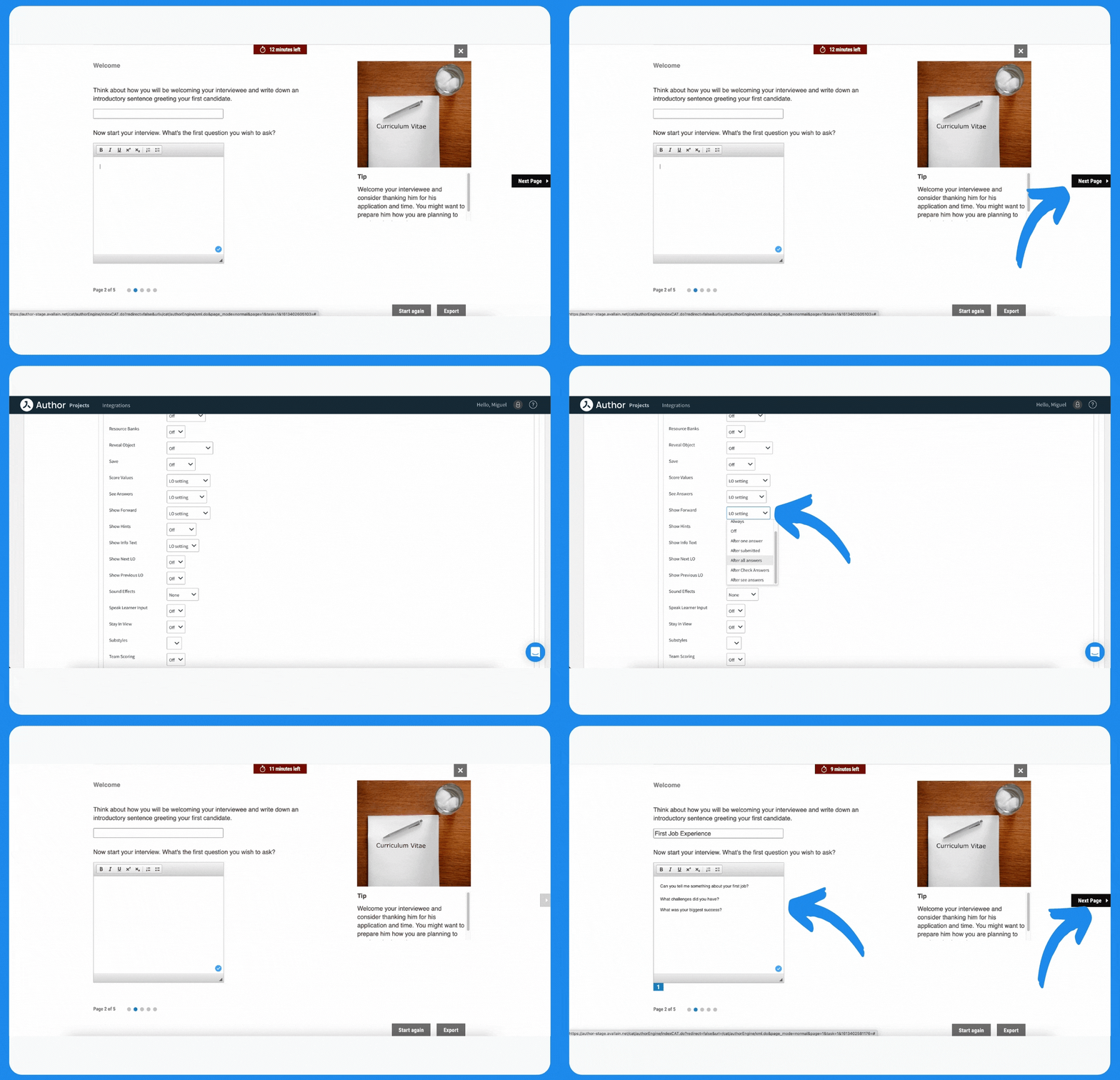
You can now link the appearance of the Forward (Next) button with Reveal Object. On a Present page using Reveal Object, set Show Forward to After one answer or After all answers, and the Forward button will not enable until one or all the objects have been revealed.

Infotext: New dialog display

Release 29 provides the Global Option Show Info Text with a new value: Dialog. This enables you to show infotext content as a dialog instead of as a tooltip. Please note that this may require work on your Design Pack. Please get in touch with your contact at Avallain to learn more.

New option: End Results Button

With Release 29, you can control on which screens the End Results button displays. The Global Option, End Results Button, has two values: Every Screen and Last screen. Configure this depending on whether you want your students to review every screen before skipping back to the End Results screen, or to be able to do that whenever they like.

New End Results screen syntax

Applying metadata to categorise the activities in your LO, and combining this with new End Results screen syntax, you can display sum total scores for those categories on the End Result screen.

And that’s not all. With the use of other new syntax, you can display a visual representation of the scores. Design packs can customise the display to show different visual representations (i.e. pie charts, bars, etc).

New Activity Types

Voice Recognition Matching (Input:Match:Voice)

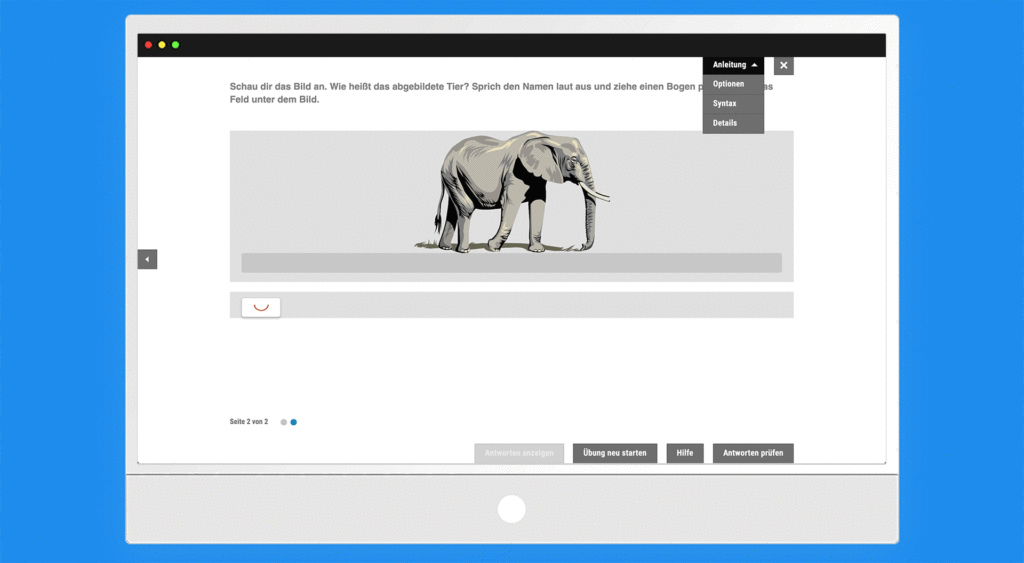
Authors can now create Activities that make full use of cutting-edge voice recognition technology. They can require learners to record their voice and the recording is then automatically evaluated by artificial intelligence (AI) that provides them with instant visual feedback (correct text turns green, incorrect text turns red) about their pronunciation and reading.  Language learning has never been more interactive and intuitive!

Please note: Using this new Activity Type may be subject to additional fees for speech processing. Please get in touch with your contact at Avallain for more information.

Identify:Select:Radiobutton Voice

With this new Activity Type, you can create Radiobutton Activities in which the selection is made orally. The learners record their selection and groundbreaking voice recognition technology transcribes the recorded audio and gives instant feedback whether their recording matches with the right answer.

Please note: Using this new Activity Type may be subject to additional fees for speech processing. Please get in touch with your contact at Avallain for more information.

Watch the webinar recording

Learn more about this release’s new features by watching the recording of the webinar held by our in-house experts.
Image not found