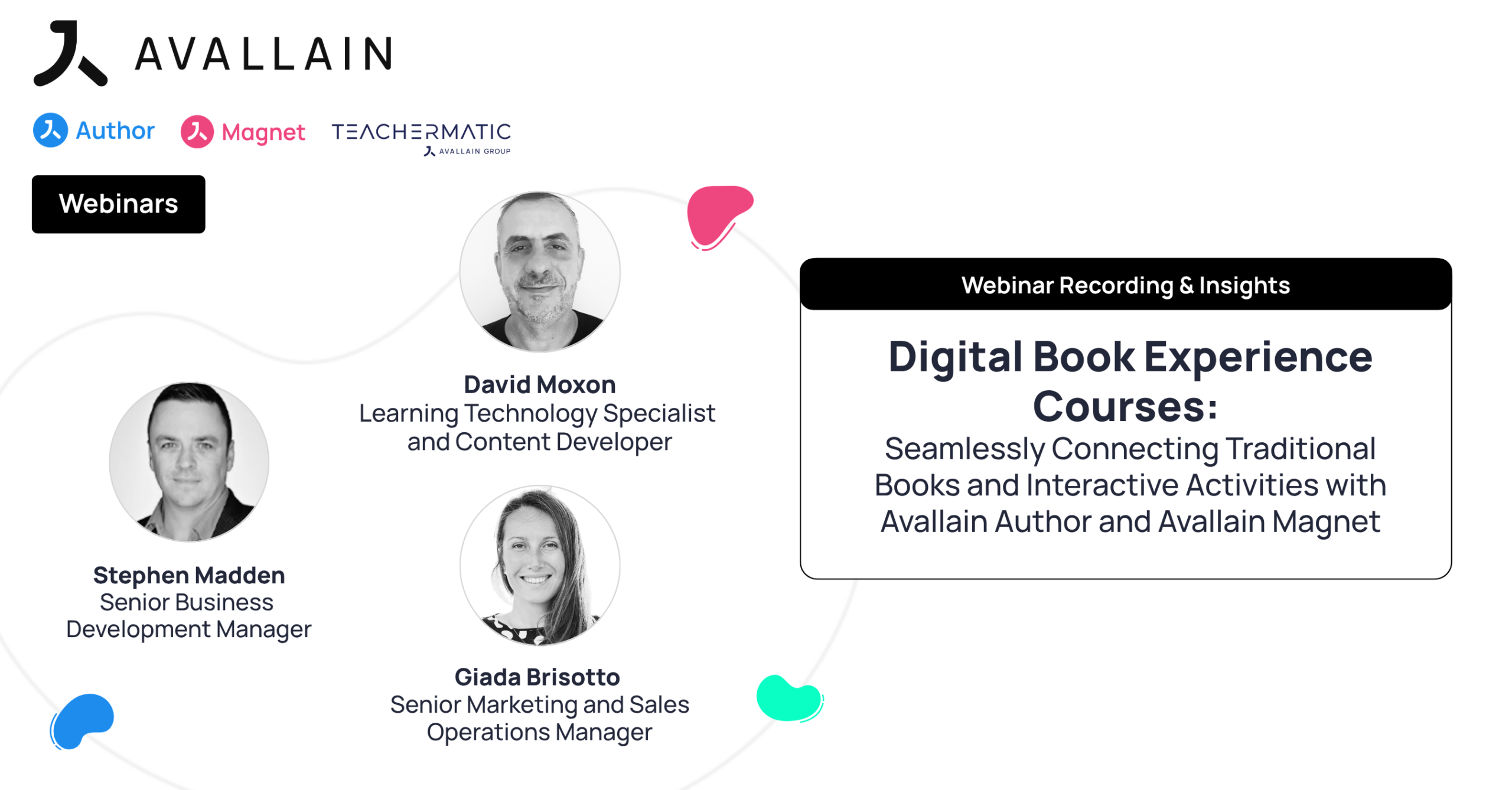
Digital books are the backbone of many successful educational publishing strategies, but their potential extends far beyond bringing printed pages online. In the fourth session of Avallain’s Product Webinar Series, David Moxon and Stephen Madden demonstrated how Avallain Author and Avallain Magnet connect traditional book-based materials with interactive learning activities, multimedia and learning management capabilities to create engaging Digital Book Experience (DBX) courses.
Digital Book Experience Courses: Seamlessly Connecting Traditional Books and Interactive Activities with Avallain Author and Avallain Magnet
St. Gallen, September 2026 – In the fourth session of Avallain’s Product Webinar Series, ‘Digital Book Experience Courses: Seamlessly Connecting Traditional Books and Interactive Activities with Avallain Author and Avallain Magnet’, David Moxon, Learning Technology Specialist and Content Developer, and Stephen Madden, Senior Business Development Manager, demonstrated how publishers and educational organisations can transform existing book-based materials into connected digital learning experiences.
Moderated by Giada Brisotto, Senior Marketing and Sales Operations Manager, the webinar followed the complete Digital Book Experience (DBX) workflow: creating a Digital Book from PDF materials in Avallain Author, connecting interactive Learning Objects and multimedia through hotspots, organising the course with the Structure Tool, publishing it to Avallain Magnet and exploring the resulting experience from both learner and teacher perspectives.
From Existing PDF Materials to an Interactive Digital Book
The webinar opened by looking at how an existing publication can become the foundation of a Digital Book Experience course.
David demonstrated how to import a PDF into Avallain Author and convert it into a Digital Book while preserving the original material’s familiar page-based format. Images can also be used as an alternative source for individual pages, although PDF provides the most straightforward workflow.
Within the Digital Book settings, authors can configure elements such as the title, page layout and page numbering. A page offset can also be applied when the source publication numbering does not begin on the first page of the PDF.
The table of contents can be generated from the PDF, giving learners a structured way to navigate the publication once it is delivered through Avallain Magnet.
This approach lets publishers retain the visual identity and established structure of existing materials while creating the foundation for a richer digital learning experience around them.
Connecting Books with Interactive Learning Through Hotspots
The next stage of the demonstration focused on adding interactivity directly to the Digital Book pages.
Using hotspots, authors can connect specific areas of a page with additional learning content. These can link to Learning Objects already created in Avallain Author, as well as media such as audio and video, text and external webpages.
David demonstrated how to position and resize hotspots directly on a page and configure them based on the experience required. For a Learning Object hotspot, for example, the author selects the existing activity that should open when the learner interacts with that point in the book.
Hotspots can also be configured for different audiences. A resource intended specifically for educators, such as teacher notes or supporting material, can be made visible to teachers without appearing in the learner experience.
Existing hotspots can be copied and reused across pages, helping authors work efficiently when building a book with a large number of interactive activities.
The result is a different approach to course navigation. Instead of moving exclusively through a conventional course menu, learners can progress through the book itself and access relevant digital activities and resources in context, directly alongside the material they are studying.
Building Digital Book Experience courses with the Structure Tool
Once the Digital Book and its associated Learning Objects have been prepared, they can be brought together into a complete course using the Structure Tool in Avallain Author.
David demonstrated the Fetch Digital Book capability, which automatically populated a new course structure with the Digital Book pages and the Learning Objects connected to them.
Avallain Author structures can incorporate existing Learning Objects, which means content does not necessarily need to be recreated for each new course. Publishers and content teams can reuse activities they have already developed and connect them with different structures and Digital Books where appropriate.
The course type is then defined as Digital Book Experience within the structure metadata. This prepares the course for the additional DBX functionality available when it is delivered through Avallain Magnet.
From there, the complete experience can be published directly to Avallain Magnet as a new course or used to update an existing one.
Together, these steps connect the original book, its interactive learning materials and the course structure within one publishing workflow.
Creating a Familiar but Richer Learner Experience in Avallain Magnet
Stephen continued the demonstration in Avallain Magnet, showing the Digital Book Experience course from a learner’s perspective.
The learner enters a page-faithful representation of the book and can navigate through its pages while accessing the hotspots created in Avallain Author.
The Digital Book also includes tools designed to support different learner preferences and accessibility needs. Learners can choose between single- and double-page views, zoom into the content and apply different colour overlays to the page background. They can also add text and annotations directly to the Digital Book, bringing familiar ways of working with a physical coursebook into the digital environment.
The demonstration then showed how learners can access different types of content without losing their connection to the book.
A video opened from a hotspot directly over the publication, with captions and a transcript available to support accessibility. The window could also be repositioned, allowing the learner to view the video alongside the related content on the page.
Stephen then demonstrated an interactive linking activity. Selecting its hotspot moved the learner directly from the book to the activity, where they could complete and submit responses before returning to the Digital Book.
This connection between the book and the wider learning environment is central to Digital Book Experience courses. Interactive exercises are not isolated additions sitting within an e-book. When learners complete activities, their results become part of the learning data captured within Avallain Magnet.
Connecting Digital Book Activities with Progress and Teacher Visibility
The webinar then explored what this connected experience means from a teaching perspective.
When a learner completes a scored activity accessed through the Digital Book, Avallain Magnet records the result. Teachers can use the Gradebook to see learner performance, including average scores and results from individual activities.
Activities can also be associated with particular skills through metadata. This enables teachers to see how learners are performing against those skills and use the resulting information to support their teaching decisions.
Stephen also demonstrated a free-writing activity accessed directly from the Digital Book. Once submitted, the learner’s response becomes available to the teacher for manual review, feedback and grading when the activity has been configured accordingly.
The teacher therefore has access to the same Digital Book environment as the learner while also benefiting from the wider management, marking and analytics capabilities available through Avallain Magnet.
This creates a continuous journey between learning content and learning management: learners remain within a coherent book-based experience while teachers gain visibility into the work taking place around it.
Extending the Experience with Additional Documents and Resources
The webinar’s Q&A also explored how publishers can incorporate supplementary materials that already form part of their publishing programmes.
PDF resources can be connected through hotspots, allowing learners or teachers to open additional materials such as answer keys, word lists or contextual information directly from the Digital Book.
Avallain Author also includes a Document Activity Type, which lets Word documents or PDFs appear within a Learning Object. This provides another way to integrate supplementary resources consistently into the course experience.
Visibility controls can be used when particular resources should be accessible only to teachers.
For longer PDF resources that are intended to function as publications in their own right, the PDF itself can instead become another Digital Book.
These options give publishing teams flexibility in how they bring existing supplementary assets into the Digital Book Experience course rather than treating the core publication and its associated resources as separate digital products.
Connecting Established Publishing Content with Digital Learning
The webinar showed how Digital Book Experience courses combine the familiarity of established book-based learning with the capabilities of a modern digital learning environment.
Existing PDF materials can provide the starting point. Hotspots then connect the publication with multimedia, supporting resources and interactive Learning Objects. The Structure Tool brings these elements together as a course before the complete experience is delivered through Avallain Magnet.
For learners, the result combines familiar book navigation with interactive activities, accessibility options and digital annotation tools. For teachers, those same activities connect with marking, learner progress and skills data within the LMS.
For publishers and other educational organisations, this provides a way to build on existing content investments while expanding what those materials can offer digitally.
Instead of replacing the book, Digital Book Experience courses connect it with the wider learning journey.
Watch the Webinar Recording
Watch the full webinar recording to see the complete Digital Book Experience workflow in action, from transforming PDF materials into an interactive Digital Book in Avallain Author to structuring and publishing the course and exploring the final experience for learners and teachers in Avallain Magnet.
Continue the Conversation in Our Next Webinar
Our Product Webinar Series continues with the next live session:
Designed for Young Learners: Building Primary Learning Experiences with Magnet Kids and Mercury Primary
Hosted by:
- Stephen Madden, Senior Business Development Manager, Avallain
- David Moxon, Learning Technology Specialist and Content Developer, Avallain
Moderated by:
- Giada Brisotto, Senior Marketing and Sales Operations Manager, Avallain
🗓 Wednesday, 21st October
🕒 14:00–14:30 BST | 15:00–15:30 CEST
For younger learners, a great digital learning experience starts long before the first activity. Access needs to be simple, interfaces need to feel intuitive and age-appropriate, and parents and educators need the right level of visibility and control.
In this 30-minute live webinar, we’ll show how Magnet Kids adapts the Avallain Magnet experience for younger learners with a simpler interface, child-friendly personalisation and easier sign-in, while providing dedicated experiences for parents and teacher administrators.
You’ll also see how Mercury Primary Design Pack transforms the course experience itself, presenting learning content through a more intuitive, more engaging content player designed with younger audiences in mind.
Together, we’ll look at how educational publishers, schools and other digital education providers can create a more coherent primary learning journey, from access and navigation to learning content and parent visibility, while keeping the experience manageable for the adults supporting the learner. Magnet Kids includes a dedicated parent experience to view a child’s work and progress, plus adapted tools for teacher administrators and simplified learner access.
Click below to register and secure your spot.
About Avallain
For more than two decades, Avallain has enabled publishers, institutions and educators to create and deliver world-class digital education products and programmes. Our award-winning solutions include Avallain Author, an AI-powered authoring tool, Avallain Magnet, a peerless LMS with integrated AI, and TeacherMatic, a ready-to-use AI toolkit created for and refined by educators.
Our technology meets the highest standards with accessibility and human-centred design at its core. Through Avallain Intelligence, our framework for the responsible use of AI in education, we empower our clients to unlock AI’s full potential, applied ethically and safely. Avallain is ISO/IEC 27001:2022 and SOC 2 Type 2 certified and a participant in the United Nations Global Compact.
_
Contact:
Daniel Seuling
VP Client Relations & Marketing
