Avallain Magnet Release 41: Streamlined Student Onboarding, Greater Password Control and Calendar Improvements
Avallain Magnet Release 41 introduces new features designed to streamline student onboarding, provide institutions with greater control over password security and improve the calendar experience.
Temporary password for bulk creation of preactivated Students
Streamline student onboarding for institutions with Activated Students enabled.
Teacher Admins can now optionally set a temporary password when bulk creating students with usernames via CSV upload. This provides greater flexibility when preparing student accounts in bulk and helps simplify the process of getting students ready to access Magnet.
When the password of an Activated Student with a username is reset by a Teacher or Teacher Admin, Magnet now also displays the new temporary password directly in a dialogue. The temporary password continues to be sent to Teachers by email.
Password rules setting
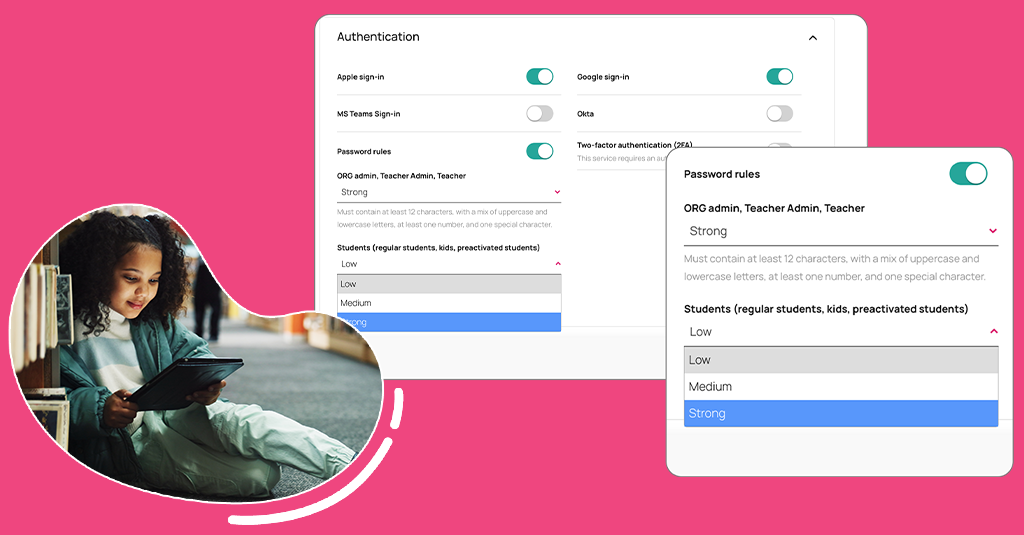
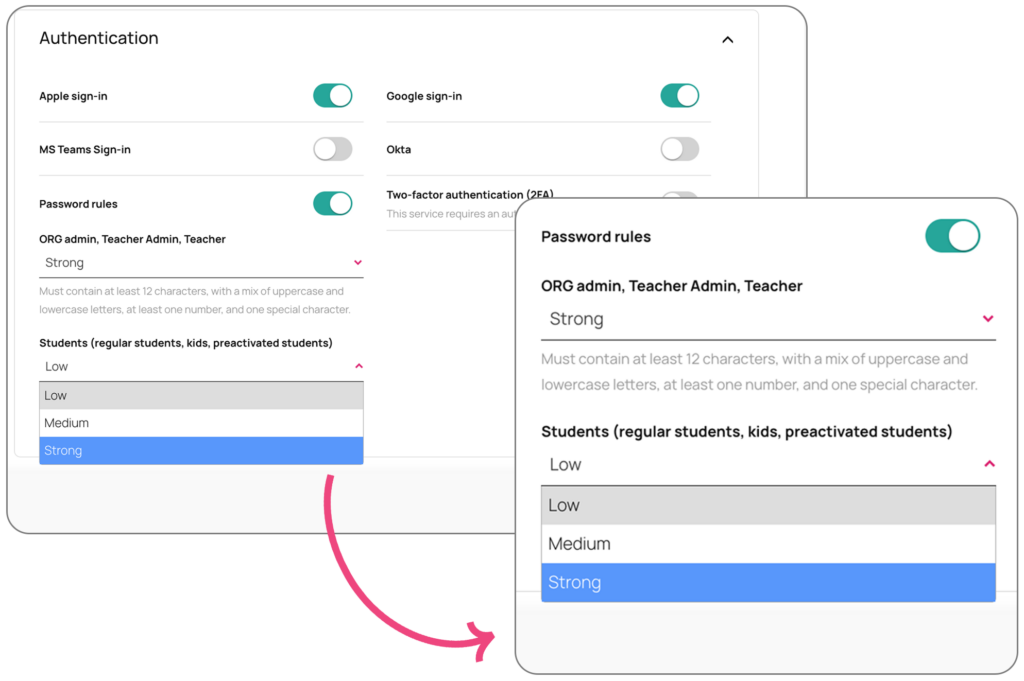
Gain greater control over password security with configurable password rules at institution level.
Password requirements can be tailored to different user roles, including Students, Teachers, Teacher Admins and ORG Admins. For Students, institutions can select from Low, Medium and Strong password rules, while Teachers, Teacher Admins and ORG Admins can use Medium or Strong rules.
The selected rules apply when creating new passwords, changing or resetting passwords, and when working with temporary passwords for Activated Students with usernames. Existing users can continue to log in with passwords created before the configuration is changed.
Calendar Improvements
Boost productivity with a range of functional and UI enhancements to the Magnet calendar.
The calendar can now be accessed directly from the avatar dropdown menu, making it easier for users to reach from anywhere in Magnet.
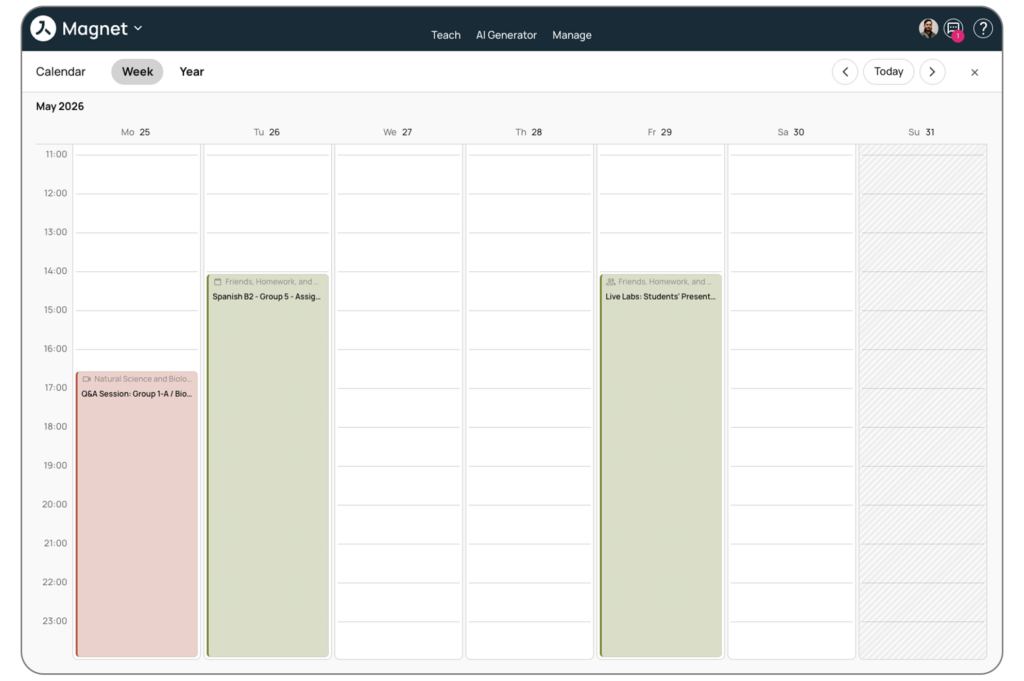
A new Week view provides a detailed overview of scheduled events throughout the week, while the new Year view offers a broader view of the calendar across the year.
For institutions using the Academic Calendar, the Year view also displays academic terms and non-instructional dates, providing additional context when reviewing the academic year.
Watch the webinar recording
Learn more about this release’s new features by watching the recording of the webinar held by our in-house experts.