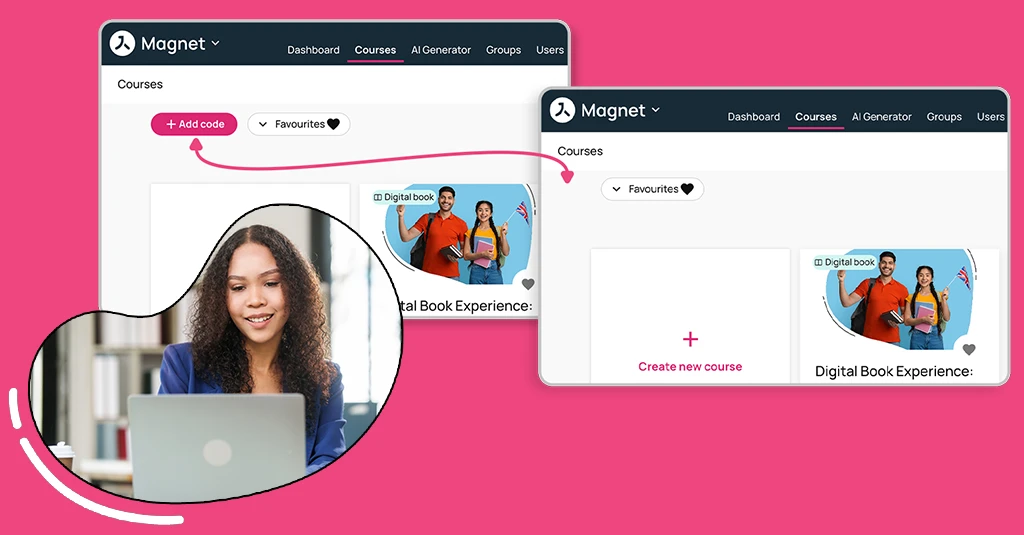
Improved SSO flexibility, greater organisation-level control and a more consistent student experience
Avallain Magnet Release 40 introduces improvements to Single Sign-On (SSO), new organisation-level controls and updates to the student experience, providing greater flexibility and consistency across the platform.
SSO improvements
Avallain Magnet Release 40 introduces improvements to Magnet Single Sign-On (SSO) support, increasing flexibility when integrating the platform with external identity providers.
Customers can integrate Avallain Magnet with external SSO providers that follow the OpenID Connect (OIDC) protocol, strengthening compatibility with a wider range of authentication solutions.
These changes are backwards compatible and form part of ongoing SSO improvements across Avallain Magnet and the Magnet mobile app.
Customers using Microsoft Teams SSO will need to make small adjustments to their account setup prior to the release.
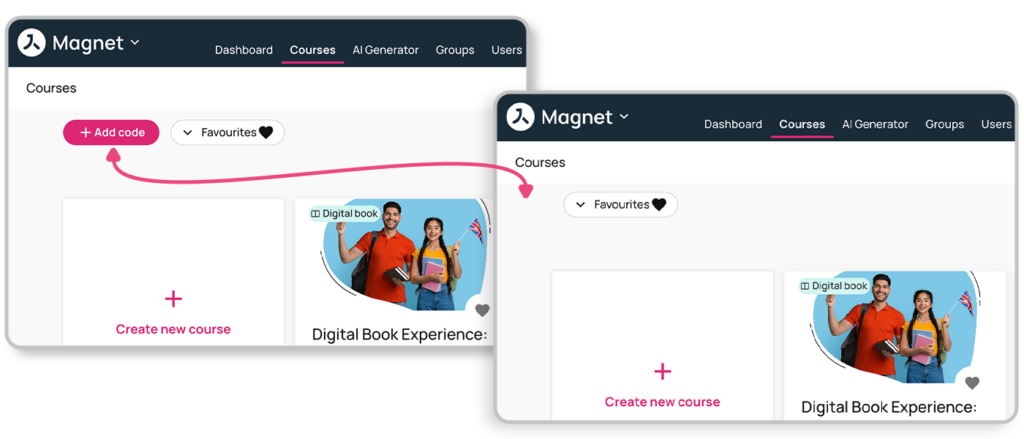
ORG setting to control the “Add a code” button
ORG Admins now have greater control over how the “Add a code” functionality is made available to users within their organisation.
Previously, the “Add a code” button was a core Avallain Magnet feature and could not be turned off. Release 40 introduces a new organisation-level setting that allows its visibility to be controlled by user role.
The setting is available to ORG Admin and ORG Owner users and is enabled by default, with all role toggles initially switched on.
Student task component updates
Avallain Magnet Release 40 introduces an update to ensure that student task actions respect the course-level settings configured by customers.
Previously, students could potentially access a course through the “Task” pop-up even when the relevant student course buttons had deliberately been disabled at course level.
With this update, task actions now follow the existing Student course buttons setting. When course access has been disabled through this setting, students will no longer be able to use the affected “New course” and “Resume course” task actions as an alternative way to access the course.
This creates more consistent behaviour between course-level settings and the actions available to students through their tasks.
Watch the webinar recording
Learn more about this release’s new features by watching the recording of the webinar held by our in-house experts.