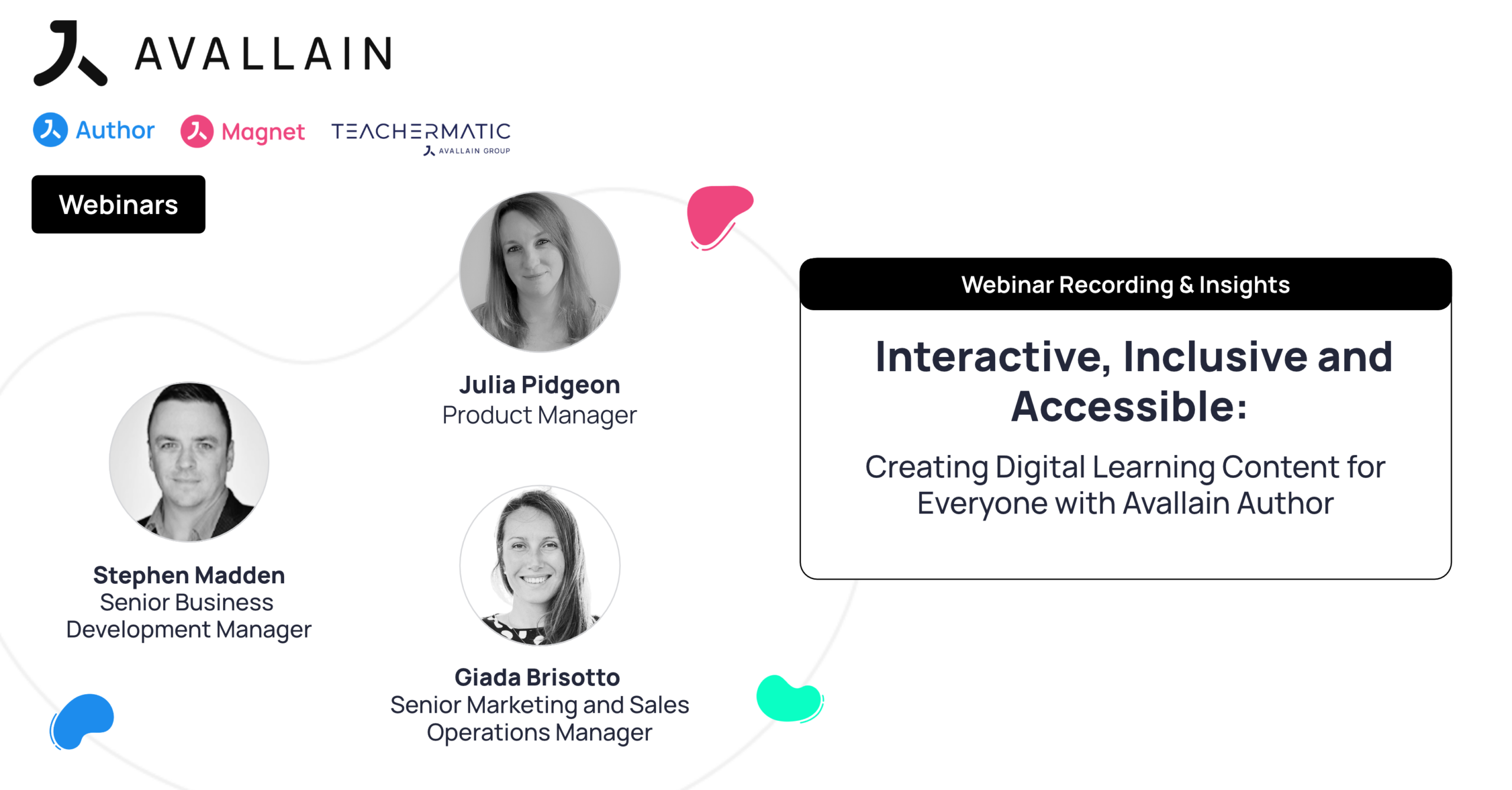
Accessibility in digital education goes beyond technical requirements. It involves understanding how learners with different needs access, navigate and interact with digital learning content. In the sixth session of Avallain’s Product Webinar Series, Julia Pidgeon and Stephen Madden explored how Avallain Author supports accessible content creation through audited Activity Types, accessible Design Packs, screen reader compatibility and AI-powered media accessibility tools, while keeping human expertise and editorial control central to the process.
Interactive, Inclusive and Accessible: Creating Digital Learning Content for Everyone with Avallain Author
St. Gallen, November 2026 – In the sixth session of Avallain’s Product Webinar Series, ‘Interactive, Inclusive and Accessible: Creating Digital Learning Content for Everyone with Avallain Author’, Julia Pidgeon, Product Manager, and Stephen Madden, Senior Business Development Manager, explored how accessibility can become a practical part of creating digital learning content with Avallain Author.
Moderated by Giada Brisotto, Senior Marketing and Sales Operations Manager, the webinar combined Avallain’s approach to accessibility with practical examples of accessible Activity Types, the Mercury Design Pack, screen reader compatibility, dedicated Accessibility Controls and AI-powered tools for managing media accessibility.
Accessibility as a Shared Responsibility
Creating accessible digital learning content is a fundamental responsibility for educational publishers, institutions and educational technology providers, reinforced by recognised standards such as WCAG 2.2 AA and regulatory frameworks including the European Accessibility Act (EAA) and the Americans with Disabilities Act (ADA).
Stephen introduced Avallain’s approach to accessibility, highlighting the importance of inclusive design, accessibility standards and continuous improvement in developing digital education technology.
A central theme was the relationship between technical accessibility and human editorial responsibility.
Through audited Activity Types, accessible Design Packs and dedicated tools for managing accessibility information, Avallain Author addresses many technical considerations that would otherwise require additional attention during content development.
This lets publishers and editorial teams concentrate on decisions that depend on their understanding of the content and its intended audience, from writing clear instructions to reviewing alternative text and selecting appropriate activities.
By combining accessible technology with human expertise, publishers and institutions can address different learner needs more consistently throughout content creation.
Supporting Keyboard Navigation in Interactive Activities
Interactive learning content frequently relies on actions such as dragging, moving or selecting objects. Although familiar to many learners, these interactions can present barriers for people with mobility impairments or those who depend on keyboard navigation.
Julia explored this challenge through the Grouping Activity Type, showing how learners can organise information into categories without relying on mouse-based dragging.
The activity retains its original interactive functionality while offering an alternative way for learners to participate.
For publishers, a key benefit is that existing Grouping activities can support this accessible interaction without requiring changes to their original configurations, provided they are republished with the supported versions of Avallain Author and Mercury.
This makes it easier to extend accessibility improvements across existing digital learning materials while preserving the educational purpose and interactive nature of the content.
Reducing Motion to Support Different Learner Needs
Movement can make digital learning content more dynamic, but it can also create barriers for learners who find moving elements difficult to follow or who experience visual distractions.
The Catch Activity Type provided a practical example of how learners can be given greater control over these interactions.
Julia introduced the Disable Motion functionality, which allows learners to stop moving elements and complete the activity through a fixed layout.
This alternative can reduce the difficulties associated with moving or overlapping content while maintaining the same learning objective.
For publishers and institutions, providing different ways to interact with an activity creates opportunities to accommodate a wider range of needs without developing separate versions of the same content.
Improving Colour Accessibility Across Digital Learning Content
Colour can be an effective way to organise and communicate information. However, activities that depend exclusively on colour may create difficulties for learners with colour vision deficiencies.
Through the Highlighting Activity Type, Julia showed how categories can be identified using both colours and numbers.
This additional visual information allows learners to distinguish between categories without depending solely on their perception of colour.
The webinar also explored the role of the Mercury Design Pack in supporting accessible visual presentation.
Beyond the Activity Types themselves, Design Packs contribute to accessibility through considerations such as spacing, sizing and colour contrast. Julia illustrated how Mercury can adjust text colour to maintain appropriate contrast when certain background colours are customised.
For educational publishers, these capabilities offer greater flexibility to adapt the visual presentation of their content while supporting accessibility considerations.
They also reinforce the importance of combining accessible technical foundations with informed editorial and design decisions, particularly when applying custom branding and visual elements.
Supporting Screen Readers and Image-Based Activities
Images play an important role in digital learning content, from illustrating concepts to presenting answer options. However, when essential information is communicated only visually, learners using screen readers may encounter barriers.
Julia explored this through a Single Choice activity featuring images as possible answers.
The example showed how alternative text and screen reader compatibility work together to communicate the information in those images, allowing learners to understand the available options and interact with the activity without relying solely on sight.
The session featured NVDA and also highlighted support for Apple’s VoiceOver.
An important distinction concerned the role of content creators in determining which images require descriptions. Images that communicate essential information need meaningful alternative text, while decorative elements can be identified so that screen readers do not announce unnecessary information.
For publishers and institutions, this demonstrates how accessible technology and thoughtful content preparation complement each other to reduce barriers associated with visual information.
Managing Media Accessibility with AI-Powered Tools
Images, audio and video are essential components of many digital learning materials. Ensuring that these assets include appropriate accessibility information can require considerable attention from content creators, particularly when working with extensive media libraries.
Stephen explored how Avallain Author supports this process through Accessibility Controls and AI-powered media accessibility features, part of Avallain Intelligence.
Within the Media Library, Accessibility Controls allow content creators to identify assets that require attention, making it easier to review missing accessibility information and address it before publication.
AI-powered tools can then support the creation of alternative text for images, subtitles for videos and transcripts for audio and video content.
These capabilities can reduce the manual effort involved in preparing accessibility information and allow editorial teams to concentrate on reviewing its accuracy and relevance.
Stephen also emphasised why human oversight remains essential. An AI-generated image description, for example, might reveal information that learners are expected to identify independently.
By allowing content creators to review and refine AI-generated information, Avallain Author combines technological assistance with editorial control, ensuring that educational context remains an important part of the process.
Making Accessibility a Practical Part of Content Creation
Throughout the webinar, Julia and Stephen presented different ways in which accessible technology can reduce barriers to interaction and support learners with different needs.
Keyboard navigation offers alternatives to conventional mouse-based interaction. Motion controls give learners greater flexibility when engaging with moving content. Colour accessibility options provide additional ways to distinguish information, while screen reader compatibility and alternative text make visual materials accessible through other formats.
These examples represent only a selection of Avallain Author’s broader approach to accessibility, which continues to evolve through ongoing development, testing and improvements.
The session also reinforced the contribution of AI-powered tools in supporting publishers and institutions to prepare accessibility information more efficiently, while retaining the human judgement required to ensure its accuracy and educational relevance.
For educational publishers and institutions, accessibility is both a technical and an editorial consideration. By providing tools designed to address specific barriers and support established accessibility requirements, Avallain Author enables content teams to incorporate accessibility more consistently into their digital publishing processes while supporting creativity, interactivity or editorial control.
Ultimately, accessible digital learning content depends on combining the right technology with an informed understanding of the people who will use it.
Watch the Webinar Recording
Watch the full webinar recording to explore Avallain Author’s accessibility capabilities in action, from keyboard navigation, motion controls and colour accessibility to screen reader compatibility, Accessibility Controls and AI-powered alternative text, subtitles and transcripts.
Continue the Conversation in Our Next Webinar
Our Product Webinar Series continues with the next live session:
Tailored and Relevant for Every Audience: Customising Multiple Institutions from Branding to Content and Features with Avallain Magnet
Hosted by:
- Stephen Madden, Senior Business Development Manager, Avallain
- David Moxon, Learning Technology Specialist and Content Developer, Avallain
Moderated by:
- Giada Brisotto, Senior Marketing and Sales Operations Manager, Avallain
🗓 Wednesday, 16th December
🕒 14:00 – 14:30 GMT | 15:00 – 15:30 CET
Every institution has its own identity, priorities and audience needs. For publishers and educational organisations managing multiple institutions, maintaining consistency while keeping each learning environment relevant can be challenging.
In this 30-minute live webinar, we’ll explore how Avallain Magnet enables publishers and institutions to customise their digital learning environments, from branding elements and course presentation to Custom Pages, content organisation, navigation and available features.
We’ll also introduce Organisation-Level Customisation, showing how shared and reusable configurations can help organisations maintain consistency across institutions while preserving the flexibility to differentiate each learning environment.
Together, we’ll look at how publishers and institutions can create tailored digital learning environments that reflect different identities, content requirements and organisational needs.
Click below to register and secure your spot.
About Avallain
For more than two decades, Avallain has enabled publishers, institutions and educators to create and deliver world-class digital education products and programmes. Our award-winning solutions include Avallain Author, an AI-powered authoring tool, Avallain Magnet, a peerless LMS with integrated AI, and TeacherMatic, a ready-to-use AI toolkit created for and refined by educators.
Our technology meets the highest standards with accessibility and human-centred design at its core. Through Avallain Intelligence, our framework for the responsible use of AI in education, we empower our clients to unlock AI’s full potential, applied ethically and safely. Avallain is ISO/IEC 27001:2022 and SOC 2 Type 2 certified and a participant in the United Nations Global Compact.
_
Contact:
Daniel Seuling
VP Client Relations & Marketing
